Cómo Usar CarouselGem: Crea Carruseles Virales para LinkedIn
Aprende a dominar CarouselGem con este tutorial paso a paso. Pasa de una idea a un carrusel PDF hermoso y de alta conversión en minutos usando IA.
Creating highly engaging LinkedIn carousels used to take hours of complicated design work in Photoshop, Illustrator, or Canva. With CarouselGem, you can turn a single idea into a multi-slide PDF document ready to rake in thousands of impressions in just minutes.
In this quick step-by-step guide, we'll walk you through the intuitive, mobile-ready CarouselGem Studio, showcasing exactly how it transforms your ideas into viral content.
Paso 1: Escribe Tu Contenido y Gestiona Diseños
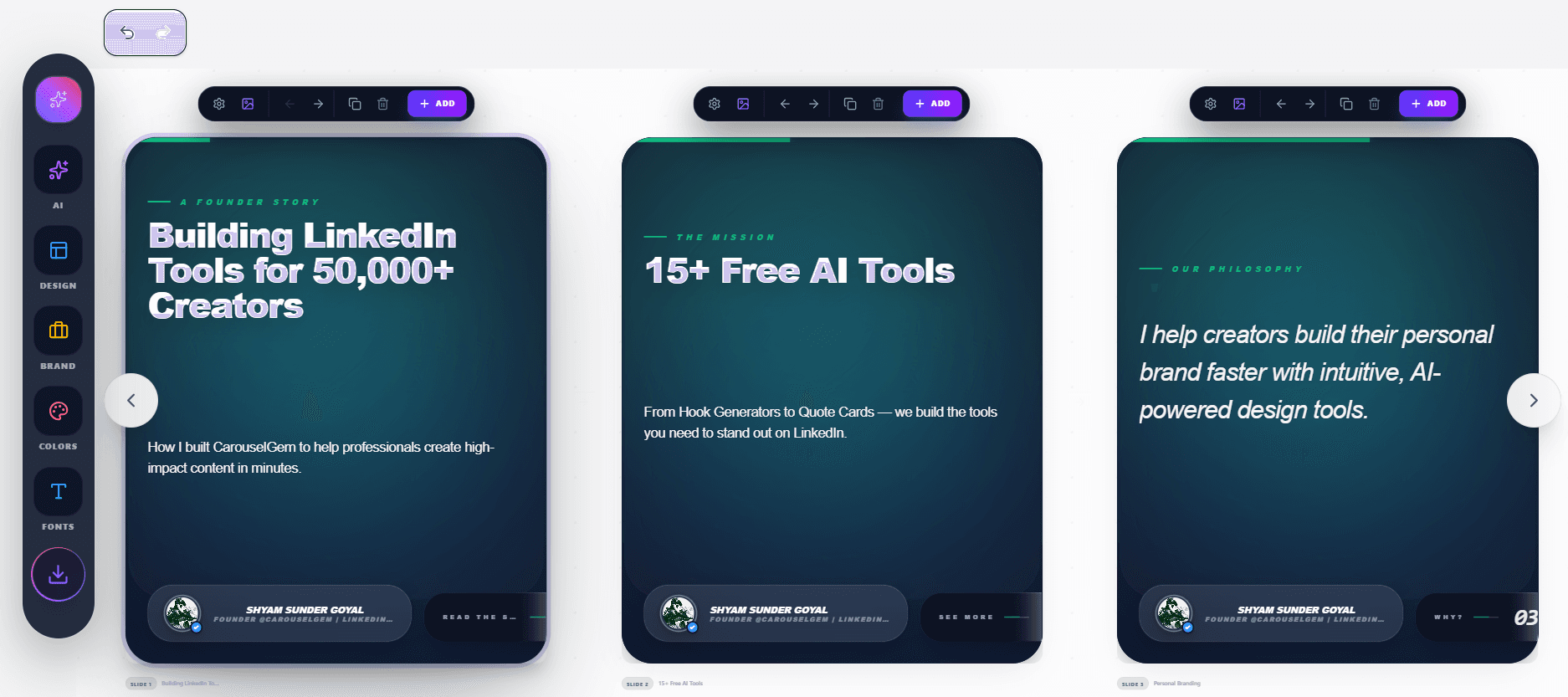
When you enter the CarouselGem Studio, you are immediately presented with a fully interactive mobile-like viewport. This is where the magic starts. From the first slide to the last, you have complete control over your content string.
Paso 2: Aprovecha el Escritor Mágico IA
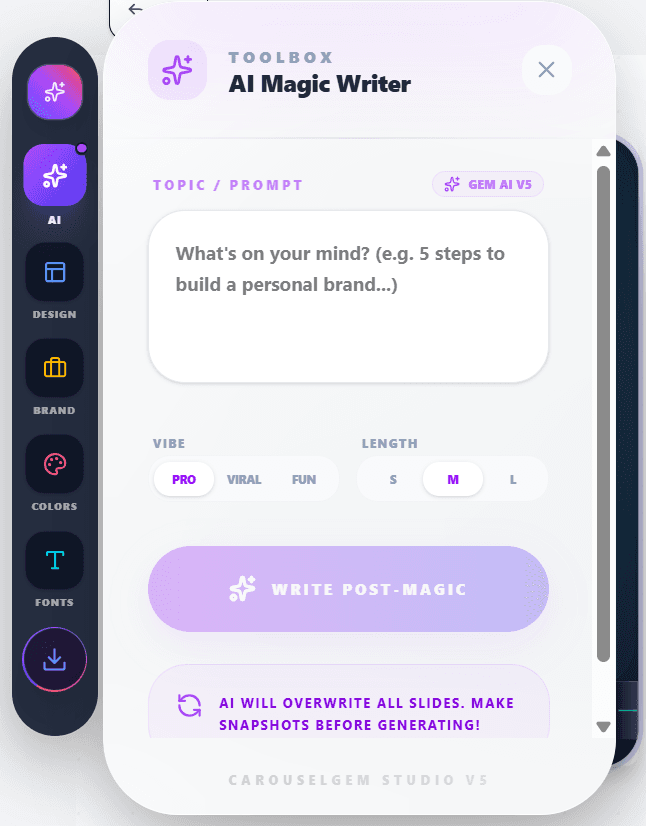
Are you out of ideas or struggling to formulate the perfect hook? Our platform features an integrated AI Magic Writer. Simply click the "Rewrite with AI" interface on any text block.
Paso 3: Selecciona una Plantilla Llamativa
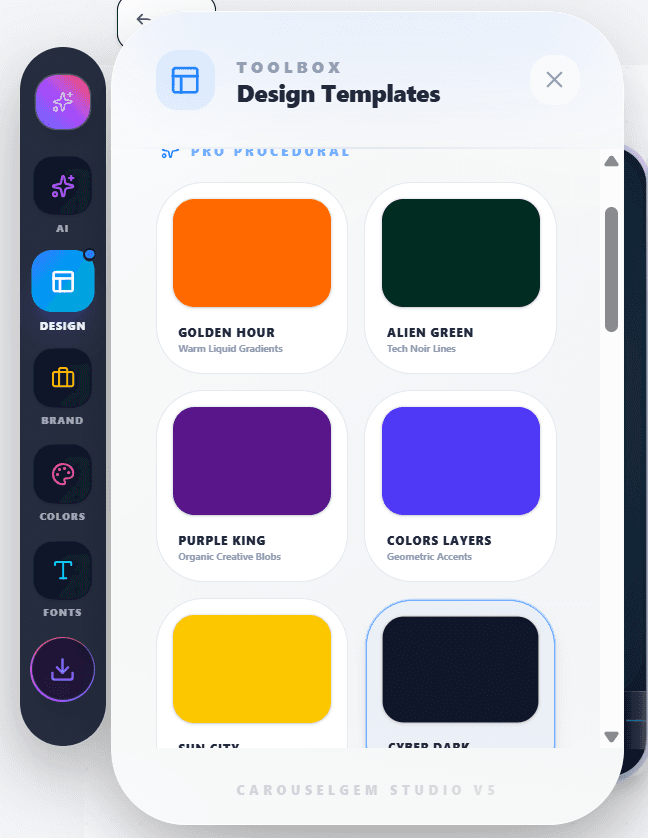
Design is king on LinkedIn. We offer dozens of hand-crafted layouts explicitly designed to stop the scroll. Navigate to the "Templates" tab and choose from Grid style layouts, minimalist gradients, and more.
Paso 4: Establece Tu Identidad de Marca
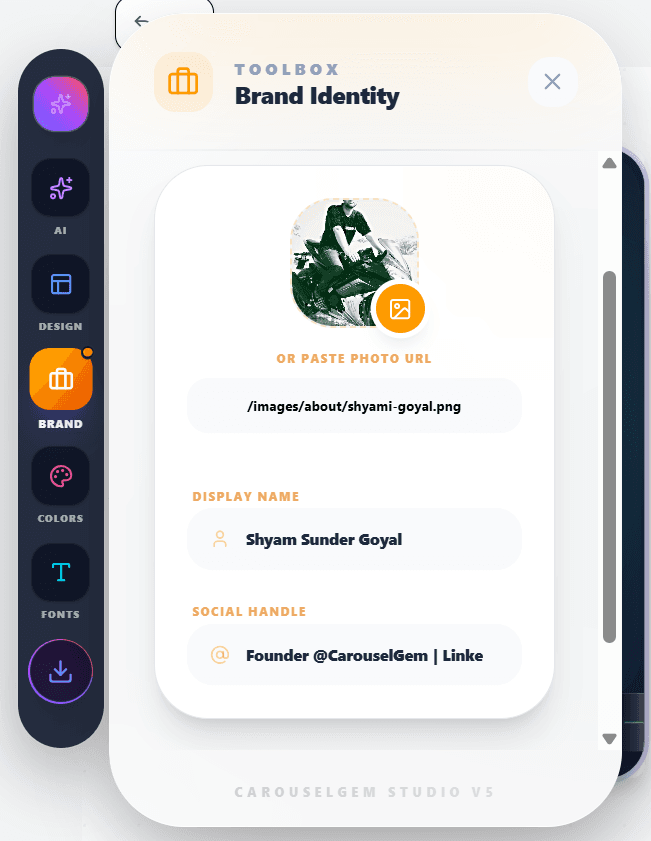
Your carousel won't look like yours without your brand identity. Switch to the "Branding" tab and securely import your personal avatar, write your handle, and sync it across all slides automatically.
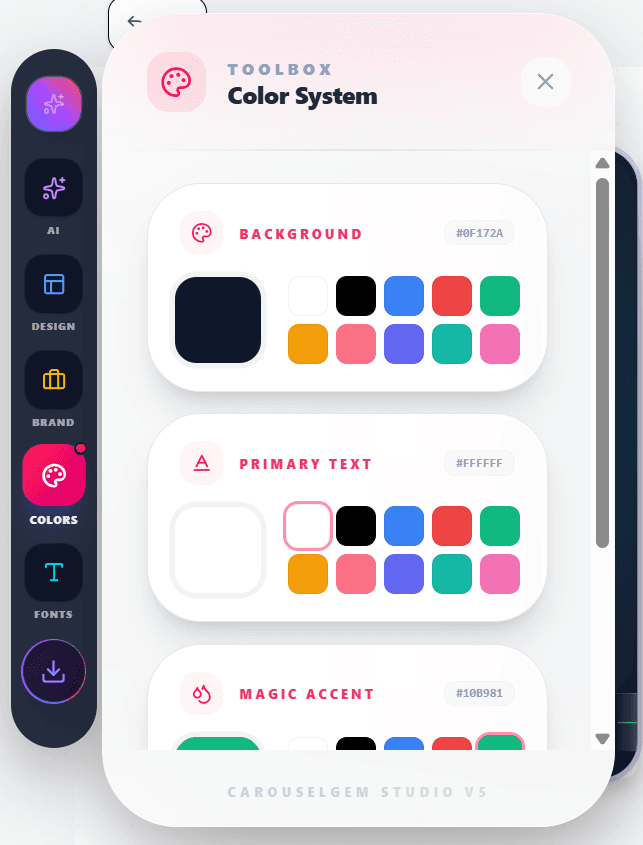
Paso 5: Aplica Tus Colores de Marca
Once you are structurally ready, make it uniquely yours through the Color Systems tab. Use predefined aesthetic palettes or your own custom hex codes.
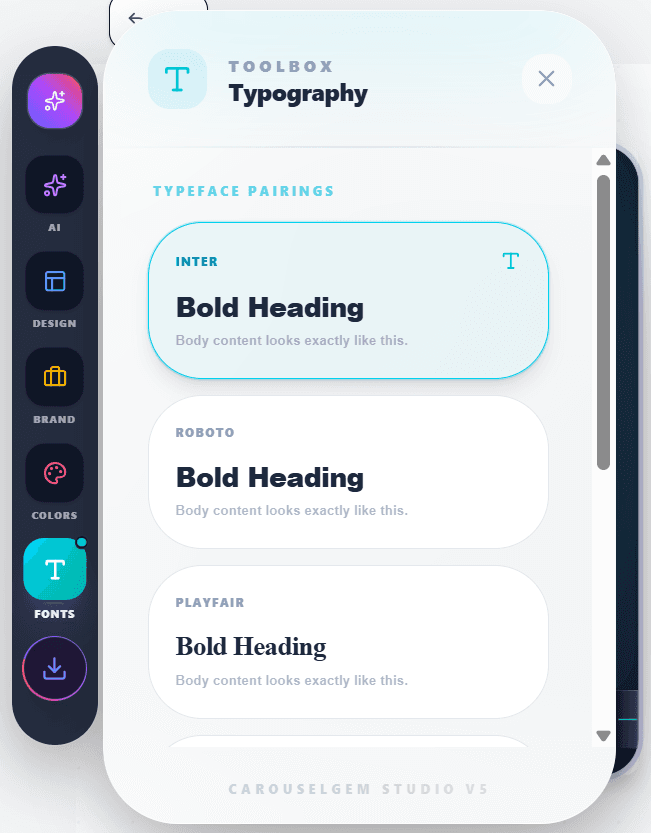
Paso 6: Elige Tu Tipografía
Nothing screams professionalism like correctly paired modern typography. Test out premium font pairings like Inter, Syne, and Montserrat optimized for mobile visibility.
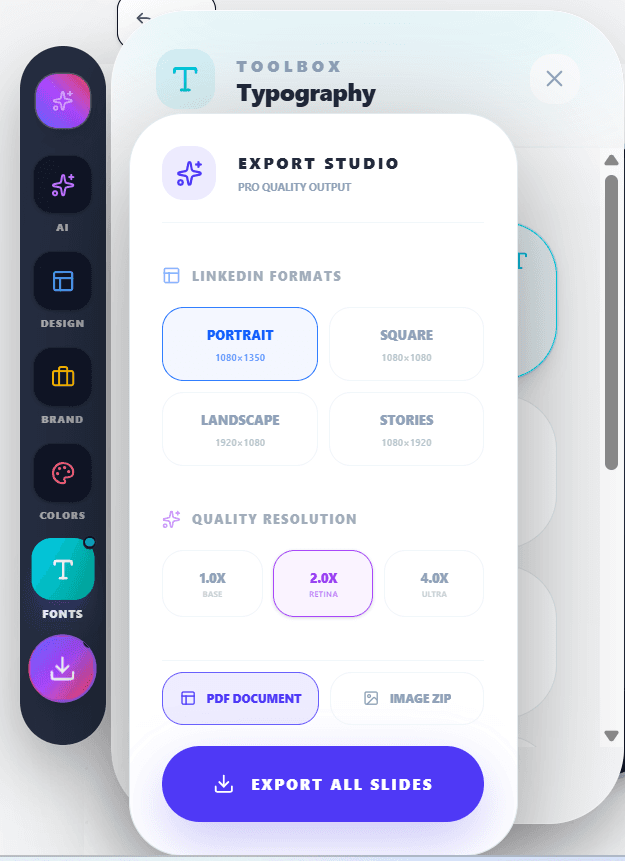
Paso 7: Renderiza y Exporta a PDF en Alta Resolución
Click the giant Export to PDF button. CarouselGem packages your slides into a continuous document. Upload this PDF directly into LinkedIn for an interactive viewer.
¿Listo para Crear?
Start your journey as a top LinkedIn creator today and utilize the power of CarouselGem.
Preguntas Frecuentes
Todo lo que necesitas saber sobre el uso de CarouselGem.
¿Necesito habilidades de diseño para usar CarouselGem?
Para nada. CarouselGem está específicamente construido para evitar capas de diseño complejas. Si puedes escribir un documento básico, puedes generar un diseño profesional.
¿Los PDFs están optimizados para LinkedIn?
Sí, nuestro motor de exportación renderiza todas las diapositivas como un documento PDF estándar de Alta-DPI con proporciones perfectamente escaladas, asegurando cero borrosidad.
¿Qué es el Escritor Mágico IA?
El Escritor Mágico IA es un asistente integrado que ayuda a generar ideas, reescribir y condensar las diapositivas de tu carrusel al instante.
¿Puedo eliminar la marca de agua de la exportación?
Dependiendo de tu plan, puedes desactivar completamente el branding de CarouselGem y personalizar tus carruseles PDF con marca blanca.
Herramientas Recomendadas
¿Listo para hacerte viral?
Únete a más de 50.000 creadores usando CarouselGem para crear carruseles de alta conversión en segundos.
Empieza a Crear Gratis